Rollinbob
Members
-
Joined
-
Last visited
Everything posted by Rollinbob
-
There is one other thing I would like advice on. My last Patrol was a 2006 3L pre CRD. Towing, it was very sluggish, it had the standard exhaust. Following the advice I received I put a 3" system on and noted a big difference in both fuel economy and power. My new Patrol is 2009 GUVl CRD. I am not sure if a modified exhaust system is ok. Cheers. Bob.
-
Hi. Many thanks for the very informative reply, the Patrol has only done 186,000km so looking forward to a long relationship with her. I have been searching for a good filter kit to do my own simple maintenance, a brand that has come up is Osk. Do you by chance have an opinion? I feel that Ryco are probably what I should be using but Osk are a cheaper version and doing 5,000km oil changes, maybe they are ok to use. Cheers. Bob
-
Hello to all, I am a new member, just purchased my 3rd Patrol. This NADS conversion, is it also nessesary for a 2009 version? My mechanic has suggested the gauges but not the rest, what are your thoughts? Regards. Bob.

-
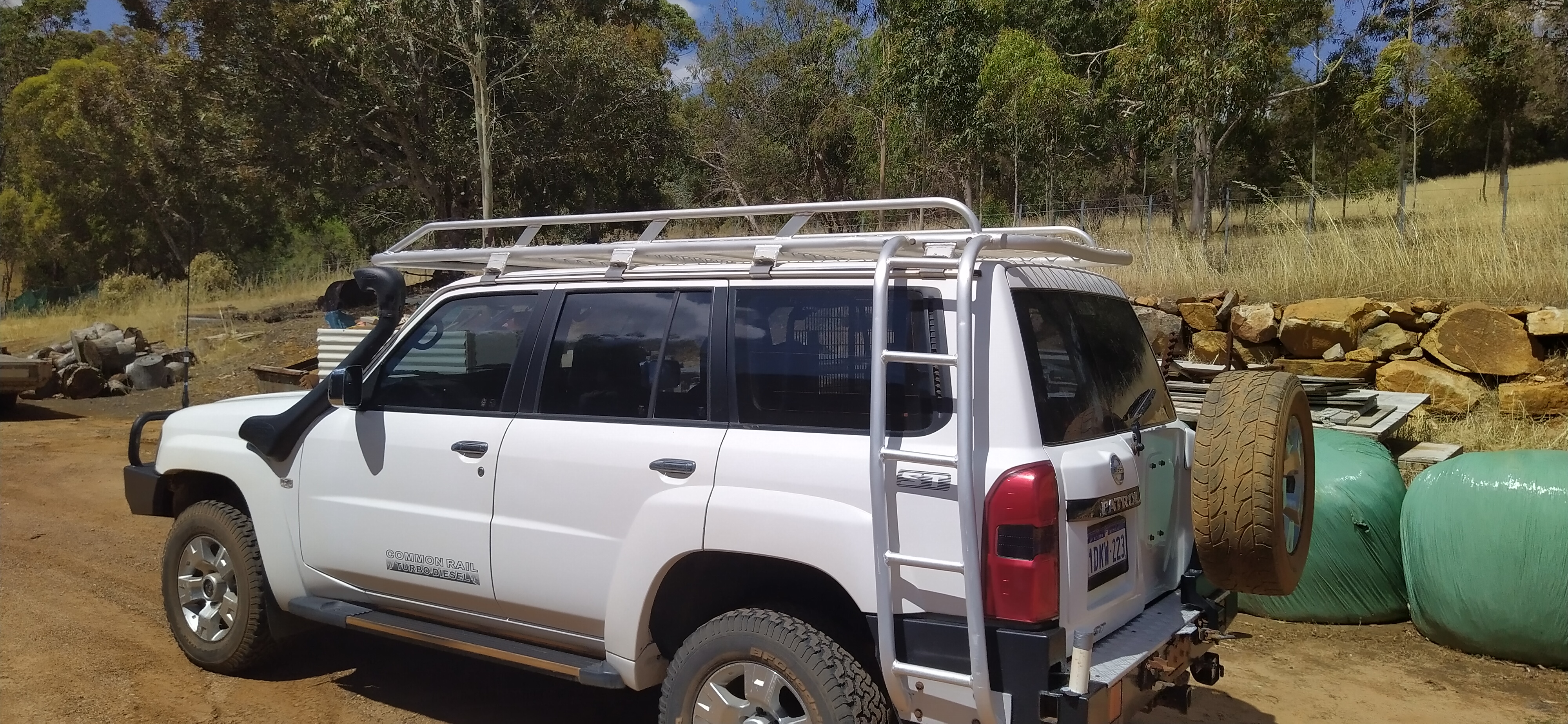
I have just purchased a 2009 Patrol wagon.. 3l turbo manual. Seeking guidance on where and what brand to buy. Filters, oils. I will be doing the oil and fuel filters myself. Any help would be great. Gently please, new member. Regards. Bob