Skip to content
View in the app

A better way to browse. Learn more.

myPatrol4x4

A full-screen app on your home screen with push notifications, badges and more.

To install this app on iOS and iPadOS
  1. Tap the Share icon in Safari
  2. Scroll the menu and tap Add to Home Screen.
  3. Tap Add in the top-right corner.
To install this app on Android
  1. Tap the 3-dot menu (⋮) in the top-right corner of the browser.
  2. Tap Add to Home screen or Install app.
  3. Confirm by tapping Install.

idiot1

Members
  • Joined

  • Last visited

Everything posted by idiot1

  1. marry a dwarf did we glort
  2. don;t they normally blow up before they wear out the brakes
  3. only pic got of front with bullbar has indicators in bullbar too
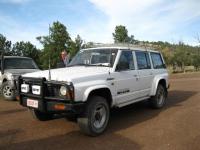
  4. i have a winch bar on my gq never going to buy a winch. would you rather swap your bar for mine it's a tjm bar
  5. needs to buy a dictionary if ray continues to post big words
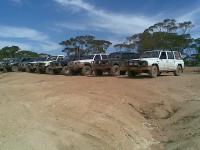
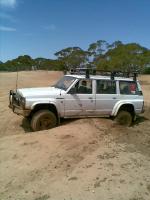
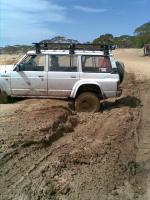
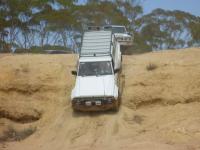
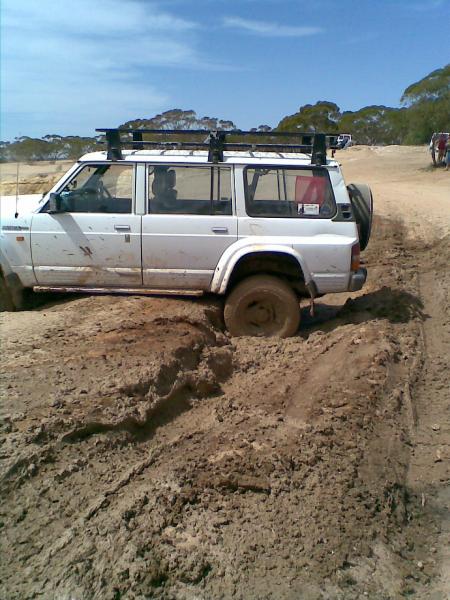
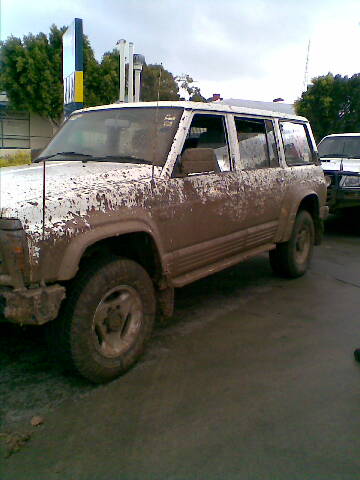
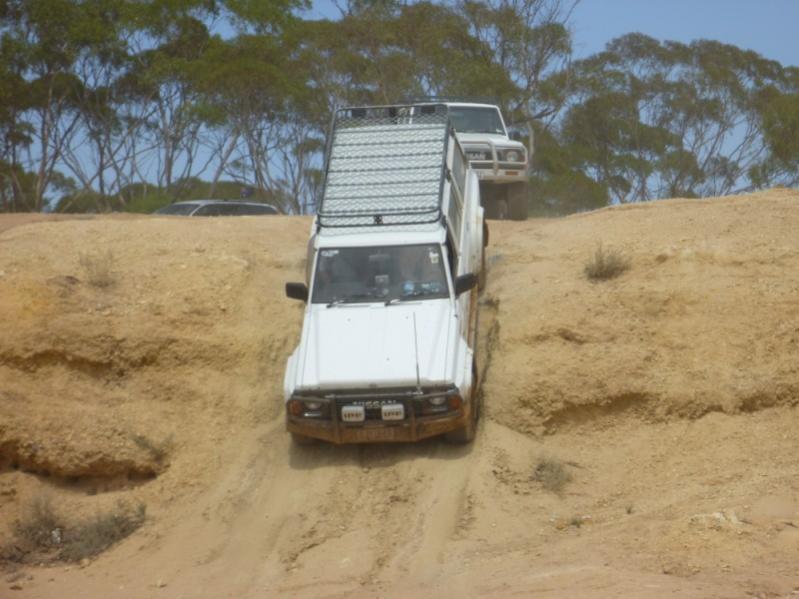
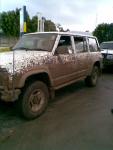
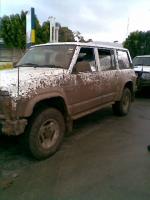
  6. some of mine having fun
  7. idiot1 replied to Auto's topic in General Discussion
    is amazing on the other forum i need mod's approval before my post's are put up. talk about sensoring
  8. are the voices saying marcia marcia marcia mine do
  9. well they did an update and guess what lost everything had to re register so guess i stay here now
  10. i'll take # 7
  11. new member hope all goe's well in this forum
Account

Navigation

Search

Search

Configure browser push notifications

Chrome (Android)
  1. Tap the lock icon next to the address bar.
  2. Tap Permissions → Notifications.
  3. Adjust your preference.
Chrome (Desktop)
  1. Click the padlock icon in the address bar.
  2. Select Site settings.
  3. Find Notifications and adjust your preference.